Before You Switch POS Systems: 9 Questions to Ask First
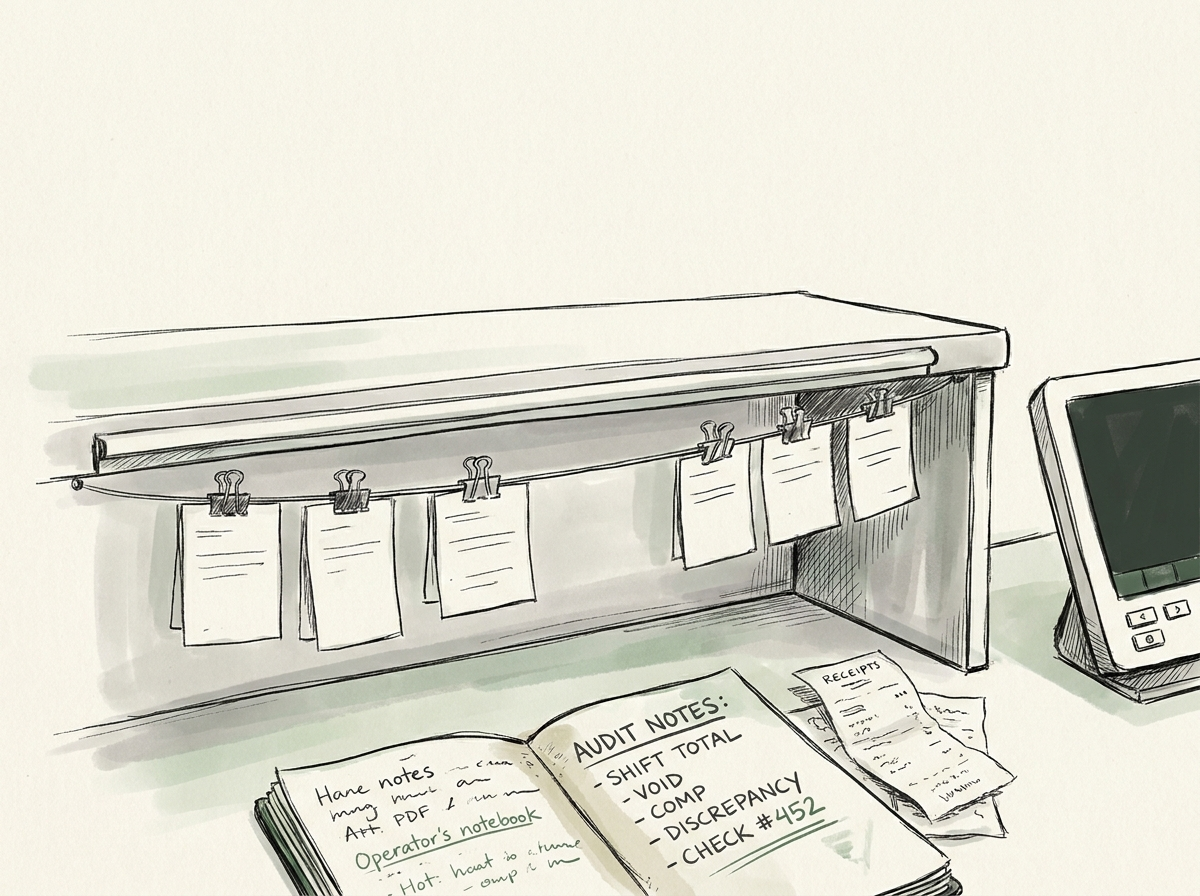
We've helped four operators switch POS systems in the last three years. Three went smoothly. One turned into a six-month nightmare that required a forensic accountant to untangle the missing reservation history, the orphaned modifier menu, and the bank-deposit gap.
The difference wasn't the new POS. The difference was the nine questions the operator asked — or didn't ask — before signing the new contract.
Most POS migration content online is about which system to pick. That's the wrong question first. The first question is whether you're prepared for the migration itself, regardless of which system you land on. Toast, Square, Aloha, Clover, SpotOn, Lightspeed — they all have happy customers and they all have horror-story customers. The variable that separates the two is operator prep, not the platform.
Here's what to ask before you sign anything.
The 9 questions to ask before signing
1. What does your current contract say about cancellation, equipment return, and data export?
Pull your existing contract. Not the executive summary. The full document, including the equipment lease addendum if you have one.
You're looking for three things:
- Termination fee. Some POS contracts have an early termination fee equal to the remaining months on a multi-year deal. If you have 14 months left at $300/month, that's $4,200 you owe to walk away on day one.
- Equipment return obligations. Did you "purchase" your hardware or "lease" it? Leased hardware almost always has a return-condition clause. Missing or damaged terminals can be charged at retail (often 2–3× their actual market value).
- Data export rights. This is the killer. Some contracts grant you full export of your sales, modifier, and customer data on demand. Others only export "reports" — meaning you get summary numbers but not raw transaction data. The difference matters when you're moving four years of menu performance into a new system.
If your current contract isn't operator-friendly on these three points, the migration is going to cost more than the new POS bill.
2. What integrations do you actually use, and which of them break in migration?
Walk through your current stack. The obvious ones: payments processor, online ordering, third-party delivery (DoorDash, Uber, Grubhub), reservation system (OpenTable, Resy, SevenRooms), payroll, accounting (QuickBooks, Xero), email marketing.
Then the less obvious: gift card platform, loyalty program, KDS (kitchen display), inventory management, schedule integration (7shifts, HotSchedules), tip-pooling tool, the reporting dashboard your bookkeeper opens once a month.
For each integration, ask the new POS: do you support this directly, or do we need a third-party connector? If we need a connector, what's the monthly cost, and who's on the hook when it breaks?
The integration that broke in the operator-nightmare migration we mentioned was tip pooling. The old POS exported tips by employee per shift. The new POS exported tips by employee per day. The bookkeeper didn't catch the granularity loss for two months. By the time anyone noticed, tip distributions were wrong on every shift since switchover.
3. How exactly does data migration work — and what doesn't migrate?
This is the question every salesperson skates over. Push them.
What you want to know:
- Which data fields are migrated automatically? (menu items, modifiers, employees, gift card balances, customer database)
- What's "best effort" or manual? (historical sales, loyalty point balances, custom reports)
- What just doesn't migrate? (most reservation history, most marketing automation rules, payment-processor dispute history)
- What's the cutover process? (single-day cutover, parallel-run period, phased rollout by location)
Ask for the migration runbook in writing before you sign. If they can't provide one, they don't have one, which means they'll figure it out on your install — and you're paying for the figuring.
4. What's the contract term, and what's the auto-renewal clause?
POS contracts in 2026 are often 24–36 month terms with auto-renewal at the end unless you give notice in a specific window (often 60–90 days before expiration). Operators who haven't read this clause have woken up two years into a contract they thought was annual.
Get the term and the renewal-notice window in writing. Set a calendar reminder for 120 days before expiration. Both — the calendar AND the contract — protect you.
5. How are payment processing fees structured, and what's the migration impact?
Some POS systems require you to use their payment processor (Toast Payments, Square processing). Others let you bring your own merchant services.
If you have a separate processor with negotiated rates that took years to land, switching to a POS that bundles payments often means losing those rates. The bundled fee may be a fraction of a point higher than your current rate, which sounds small until you do the math: 0.15% on $1.5M in card volume is $2,250/year, every year, for as long as you're on the system.
Run the math both ways. Sometimes bundled is actually cheaper for small volume. Sometimes it's massively more for high volume. The salesperson will not run this comparison unprompted.
6. What's the actual support response time, in business hours and after-hours?
Every POS company says they have 24/7 support. What they don't tell you is the response-time SLA, which can vary from "30 minutes" to "next business day" depending on plan tier.
If your POS goes down at 6:45pm on a Friday, what happens? If the answer is "submit a ticket and we'll respond within 4 hours," your Friday night service is over.
Ask: what's the SLA on a P1 (system down) issue? What's the escalation path? Who do we call if the system is down right now? Get answers in writing, and reference them in the contract if possible.
7. What does training look like for our team, and who pays for it?
Some POS providers include a few hours of online training. Others send a person to your restaurant for two days. Others charge per training hour after the basic onboarding.
Your team's productivity is going to drop for 2–4 weeks after switchover regardless of training. The question is whether you're going to drop 20% or 50%. Real, in-person training compresses that ramp dramatically.
Ask for the training plan, the hours included, the per-hour cost beyond the included plan, and whether they'll send someone in person or whether everything's remote.
8. What does a real reference call look like?
Don't take the salesperson's "happy customer" reference list. Ask for two specific things:
- A reference operator who switched from your current POS to the new one in the last 12 months. Same migration path you're about to take.
- A reference operator who's been on the new POS for 3+ years (so you can hear about year-2 issues, not just the honeymoon).
Most salespeople will get you the second. Many will balk at the first. Push for both.
9. What's the exit cost if this doesn't work out?
We always ask this. Always. Because the only POS that lasts forever is the one you don't have to leave.
Specifically: if we want to leave in month 13, what do we pay? If we want to leave in month 25, what do we pay? Can we export our sales history at the end? Can we keep our customer database? Can we take our menu definitions to the next system?
A POS that makes it expensive to leave is signaling something important about how they think about retention. A POS that makes it easy to leave is more confident in their product.
The math nobody runs
Most POS migration ROI calculators look like this: "save $X/month on processing fees + add $Y/month in efficiency = $Z annual savings."
The honest math looks like this:
- Annual savings on processing + features: $5K–$15K (varies wildly by operator)
- One-time migration cost (training, downtime, re-keying menu): $3K–$10K
- Productivity loss in the first 60 days: $5K–$15K (servers slower, kitchen confusion, comp tickets while debugging)
- Risk-adjusted exit-friction cost on the OLD contract: $0–$8K (early termination fees, equipment return, lost data)
- Risk-adjusted exit-friction cost on the NEW contract: similar range, just deferred to the next migration
- Hidden integration costs in year 1: $1K–$3K (third-party connectors you didn't know you'd need)
Sum: a "break-even" migration is closer to $14K than the $5K the salesperson quotes. A genuinely good migration nets $10K–$20K in year 2 onwards. A bad one is a $25K problem you absorb across 18 months.
Don't switch unless the year-2 math is clearly positive AND you've audited your current contract for exit costs.
What to do before you take a sales call
- Pull your current POS contract and read it end-to-end. Highlight: term, termination fee, equipment return, data export rights, auto-renewal clause.
- Make a list of every system that talks to your POS. Confirm each one is supported by the new POS — directly or via connector.
- Ask your bookkeeper which POS reports they actually use, and whether the new POS produces the same reports in the same format.
- Run the year-2 math honestly, including migration cost and productivity loss.
- Then take the sales call.
If you want the contract-checklist version of these questions, join the waitlist and we'll send the printable PDF.
— Chayadol